Product Designer
CGM Learning Centre
Led the redesign of printed CGM training materials into a structured digital learning centre that helps new users understand hardware and glucose data.

Introduction
Continuous glucose monitoring systems generate a constant stream of data that users must learn to interpret in order to manage their condition effectively. For many first-time users, this information can feel overwhelming. Understanding how the sensor works, what glucose trends mean, and how to respond to changing readings requires knowledge that is not immediately intuitive. While educational material already existed, much of it had been created for print and did not translate well to a digital environment. The challenge for myself and my team was to design a learning experience that helped users build confidence with their CGM system while supporting them during the early stages of adoption.
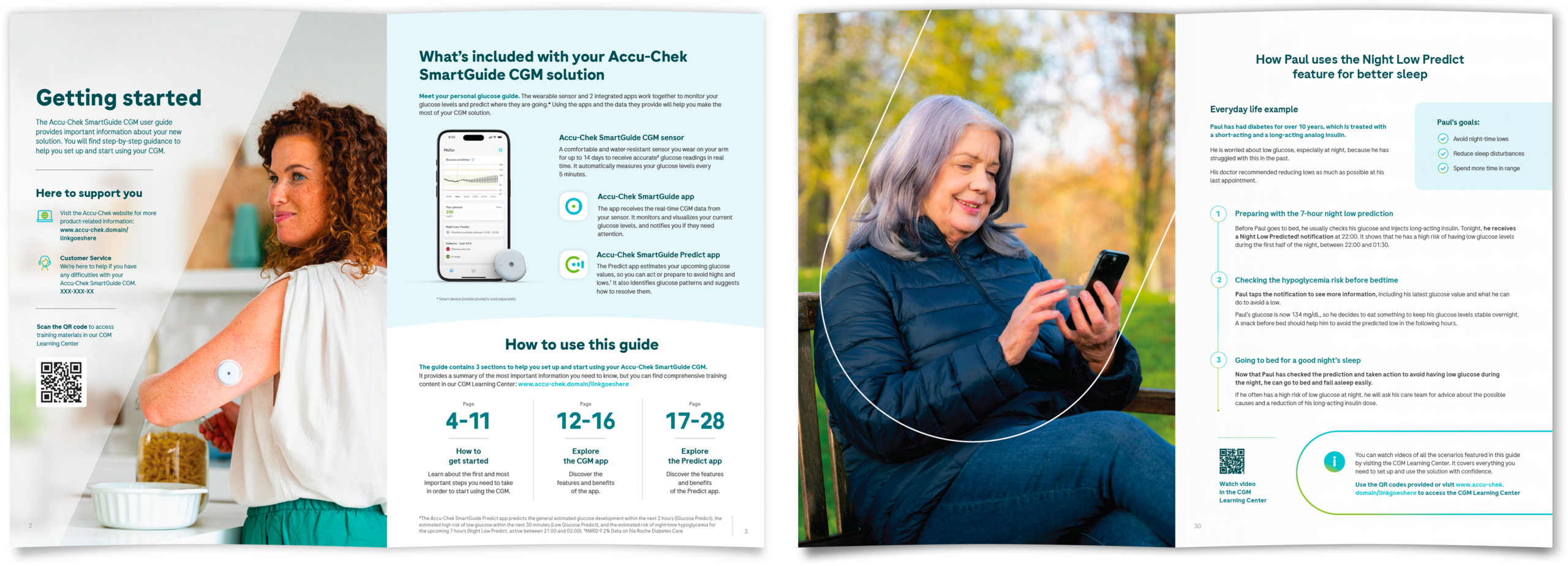
From Print to Interaction
A significant portion of the existing educational material consisted of printed leaflets and instructional pamphlets. These documents contained valuable information but were designed for linear reading rather than digital interaction. Long blocks of text, static diagrams, and rigid page structures made them difficult to navigate when users needed quick answers. Rather than simply reproducing these materials online, my teams goal was to reinterpret them as an interactive experience. Content was broken down into smaller units, reorganised around real user tasks, and supported with visual explanations that could guide users step by step through the learning process.
Learning Architecture
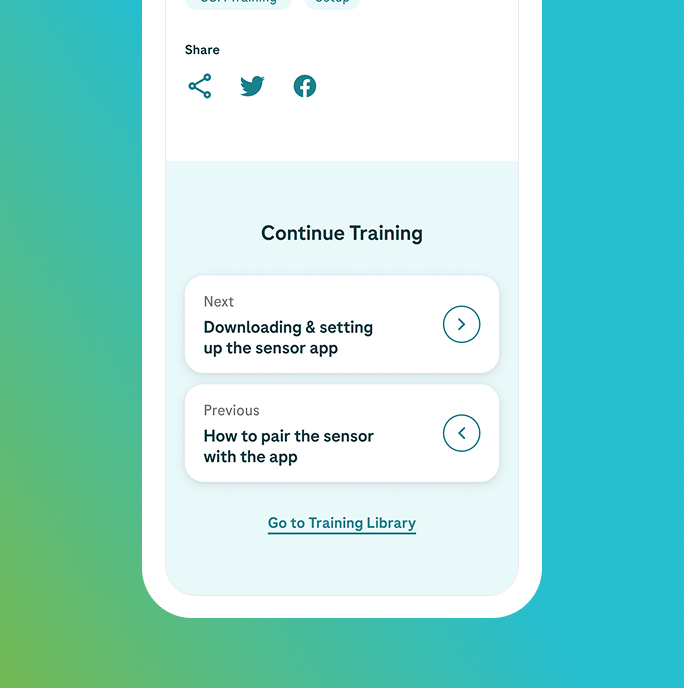
Once the content was broken into smaller pieces, I worked with a content designer focussing on the challenge to structure it in a way that supported learning and discovery. The learning centre was organised into learning pathways that helped users navigate topics relevant to their current stage of onboarding. Instead of presenting a flat library of articles, the experience guided users through a sequence of modules that introduced key concepts gradually. Combined with a step-based approach this structure allowed the learning centre to function both as an onboarding tool for new users and as a reference resource that could be revisited as users became more familiar with their CGM system.
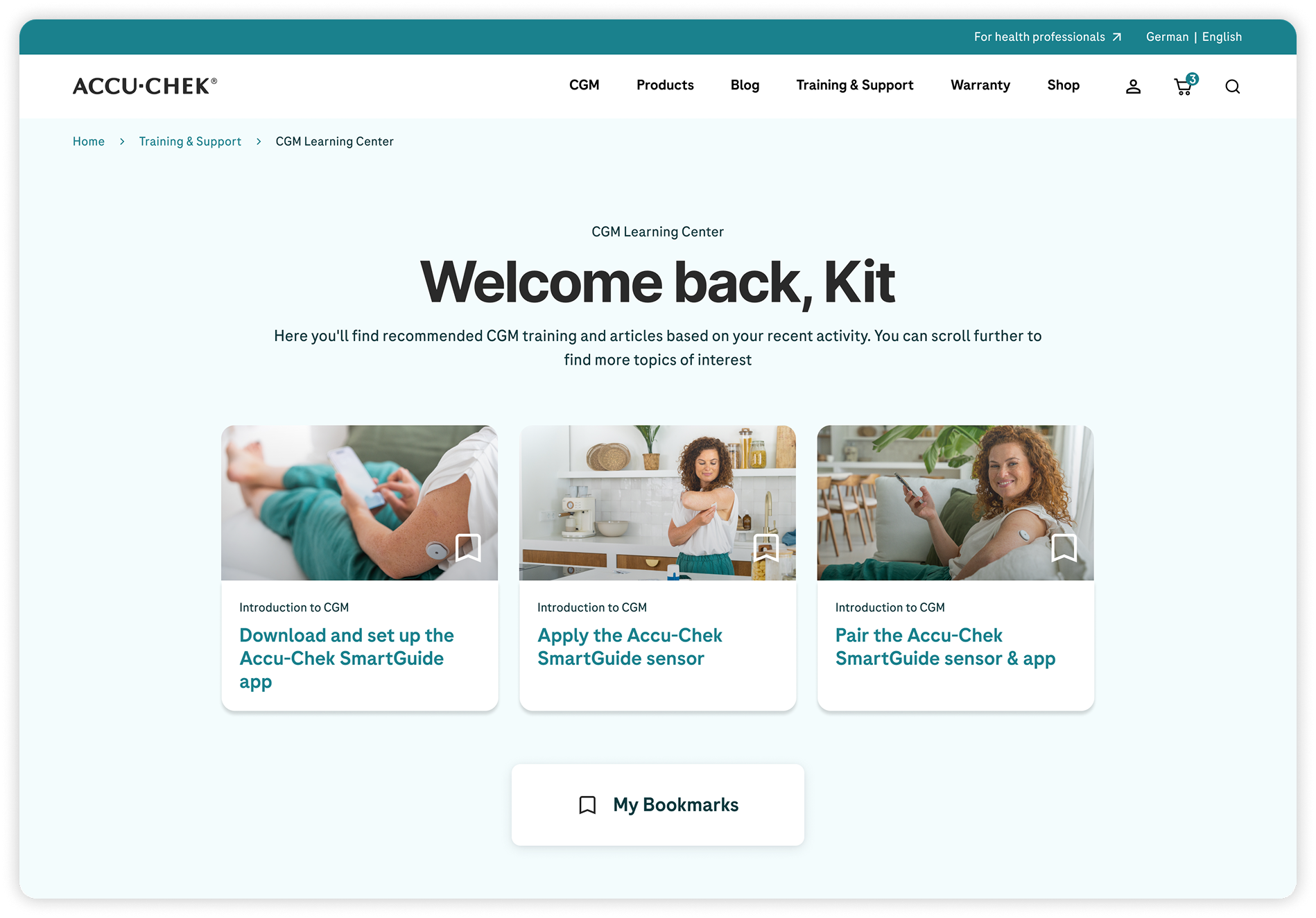
Personalising the Learning Experience
Users access the learning centre through the Accu-Chek ecosystem, which allowed the experience to be tailored based on information available through the Accu-Chek single sign-on (SSO). This meant that the content presented to each user could reflect their current stage of adoption. For example, someone who had recently activated their first sensor would be guided towards setup and onboarding topics, while a user who had already been using a sensor for some time might instead see content focused on understanding glucose trends or exploring additional features such as the evening alarms. By surfacing relevant guidance based on these signals, the learning centre could prioritise the information most useful to each user and reduce the need to navigate through unrelated material.
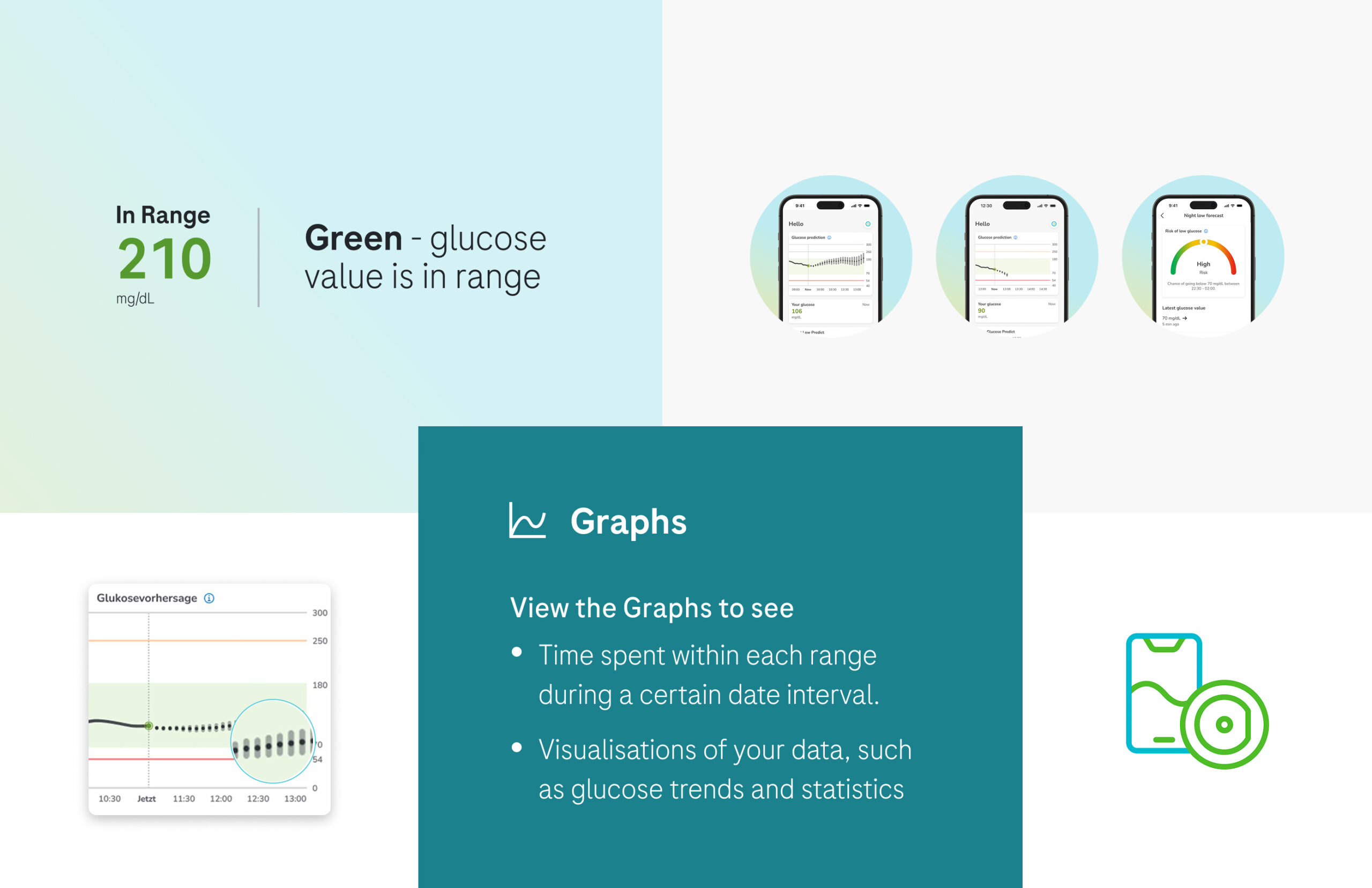
Explaining Glucose Data
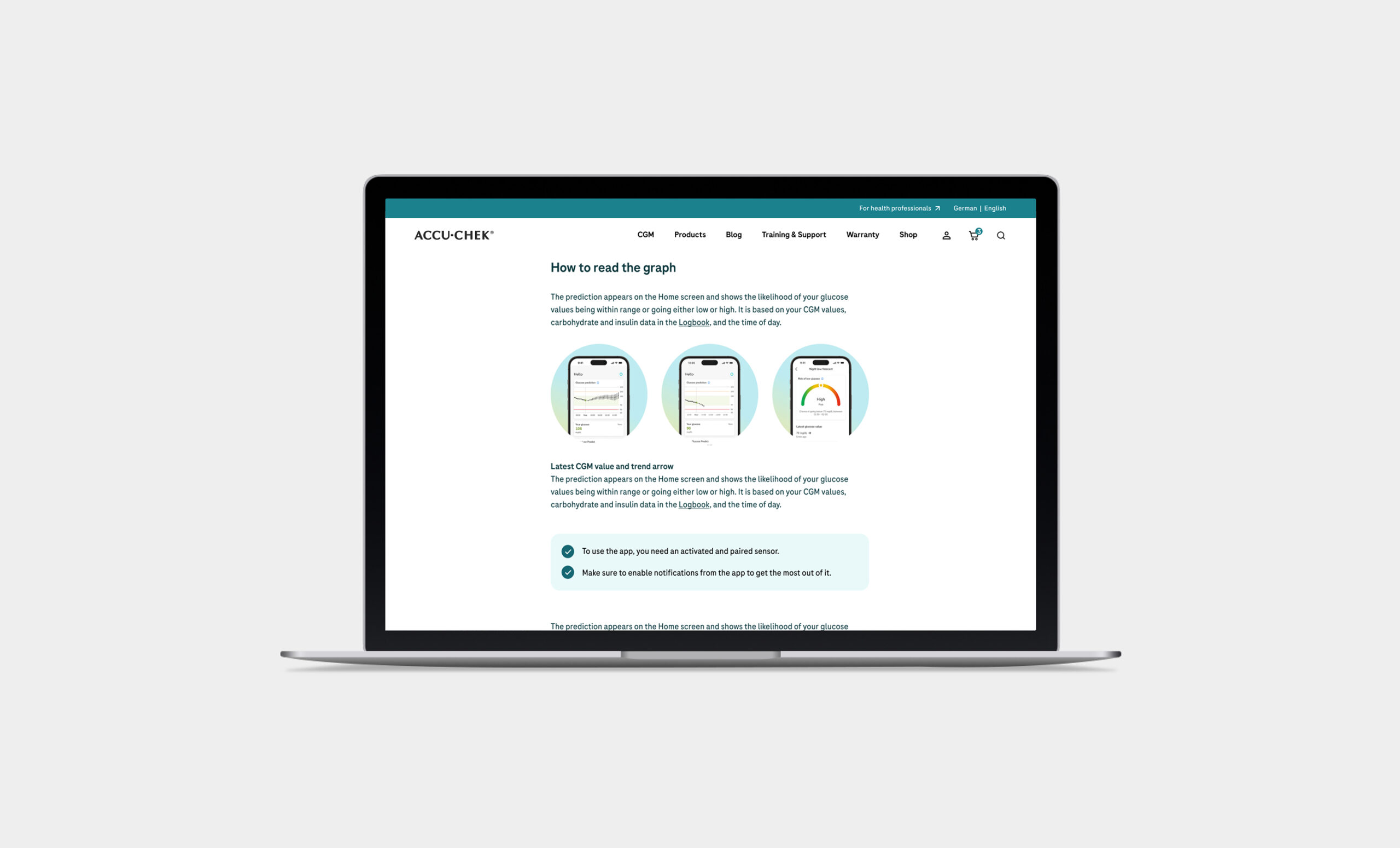
For many new CGM users, one of the most challenging aspects of the system is learning how to interpret glucose graphs. While the data itself is rich with information, the patterns and fluctuations it shows are not always immediately obvious. The learning centre introduces visual explanations that help translate these graphs into clearer insights. Annotated charts, simplified diagrams, and contextual explanations highlight common patterns such as spikes, drops, and daily trends.
By pairing data with visual guidance, the content helps users build a clearer understanding of how to read their glucose levels and what those patterns might represent and most importantly what measures could be taken in order to maintain their in-range targets.
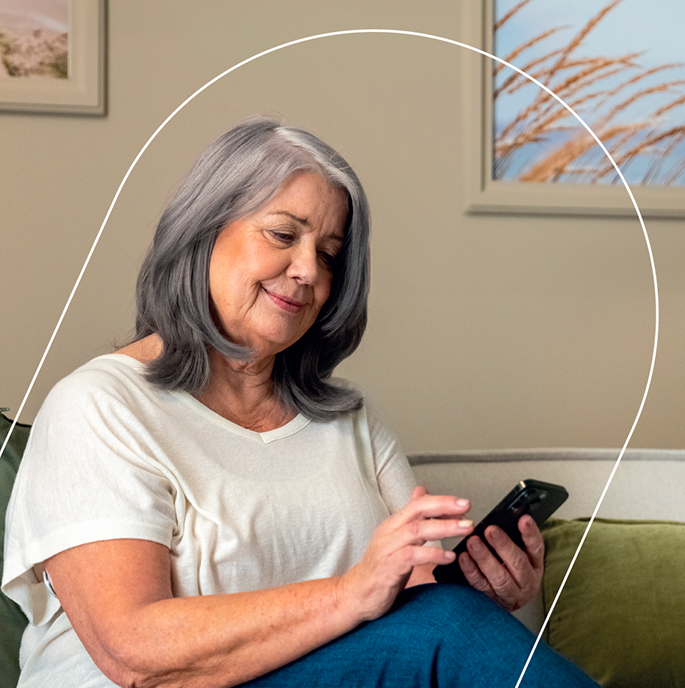
A Clear Learning Pathway
Transforming static educational material into an interactive learning experience required rethinking how information is structured, presented, and navigated in a digital environment. The resulting learning centre created a clearer pathway for users encountering CGM technology for the first time, while also establishing a scalable framework for educational content in the future.
The modular approach to content and interface components made it easier to expand the learning library over time while maintaining consistency. Looking ahead, the experience could evolve further by connecting educational content more directly to real user data, allowing learning moments to be triggered contextually as users interact with their CGM system.